
Download Regain MBOX to PST Converter – MBOX to PST Converter, MBOX to PST, MBOX to PST software, MBOX to PST tool, MBOX to PST conversion, convert MBOX to PST, MBOX to PST utility, MBOX to PST migration, MBOX to PST file converter, MBOX to PST conversion tool, MBOX to PST software tool, MBOX to PST migration tool
Overview
The Regain MBOX to PST Converter is a specialized utility designed to facilitate the migration of email data from MBOX format to the Microsoft Outlook-compatible PST format. This conversion process is essential for users transitioning from email clients such as Mozilla Thunderbird, Apple Mail, or other platforms that use MBOX files to store messages. The tool enables seamless data transfer, ensuring that emails, attachments, calendar entries, contacts, and folders are preserved during migration. It serves as a critical solution for professionals, small business owners, and IT administrators managing email archives or migrating between email systems.
Target users include individuals who have accumulated large volumes of email data in MBOX format and need to import them into Microsoft Outlook for better integration with corporate email environments. The app addresses the core challenge of format incompatibility, which often hinders efficient email management and continuity in workflow. Real-world use cases involve enterprise data migration projects, personal email archiving, and recovery of legacy email data after system upgrades. As part of the broader productivity software ecosystem, this tool fills a niche but vital role in digital data preservation and cross-platform compatibility.
The developer, Regain Software, is positioned as a provider of specialized data conversion tools. While no additional background on the company is available, the application’s focus on precise file format conversion suggests a technical and user-centric approach. The tool’s release date of May 10, 2024, indicates it is a recent addition to the market, potentially incorporating updated compatibility and performance improvements for modern Windows environments.
Key Features & Functionality
- Accurate MBOX to PST Conversion: Converts MBOX files to PST format while preserving all original data, including emails, attachments, metadata, and folder hierarchy.
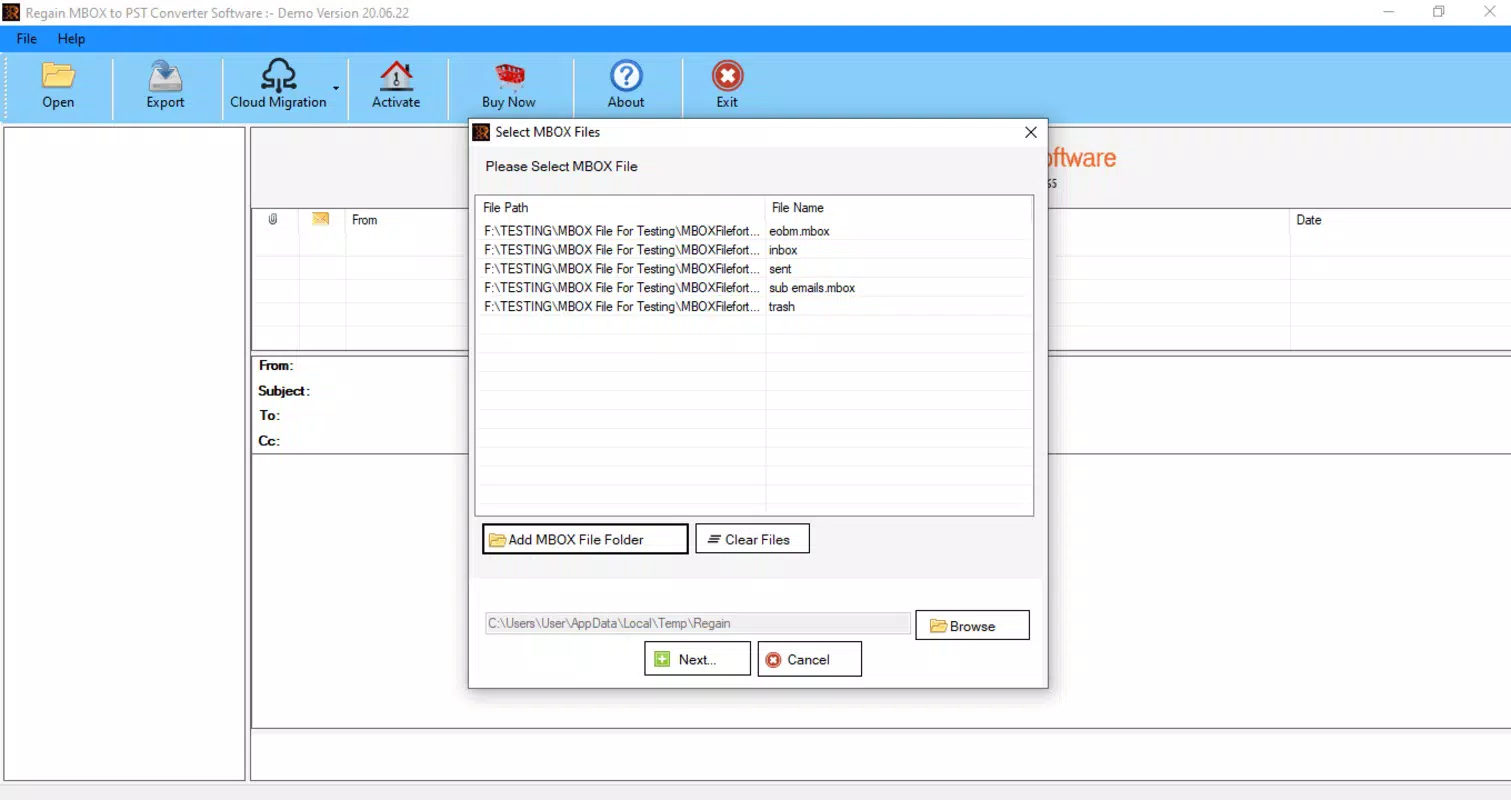
- Batch Processing Support: Allows users to convert multiple MBOX files simultaneously, reducing time and effort in large-scale migrations.
- Preservation of Email Structure: Maintains the original folder structure, dates, sender information, and message threading to ensure data integrity.
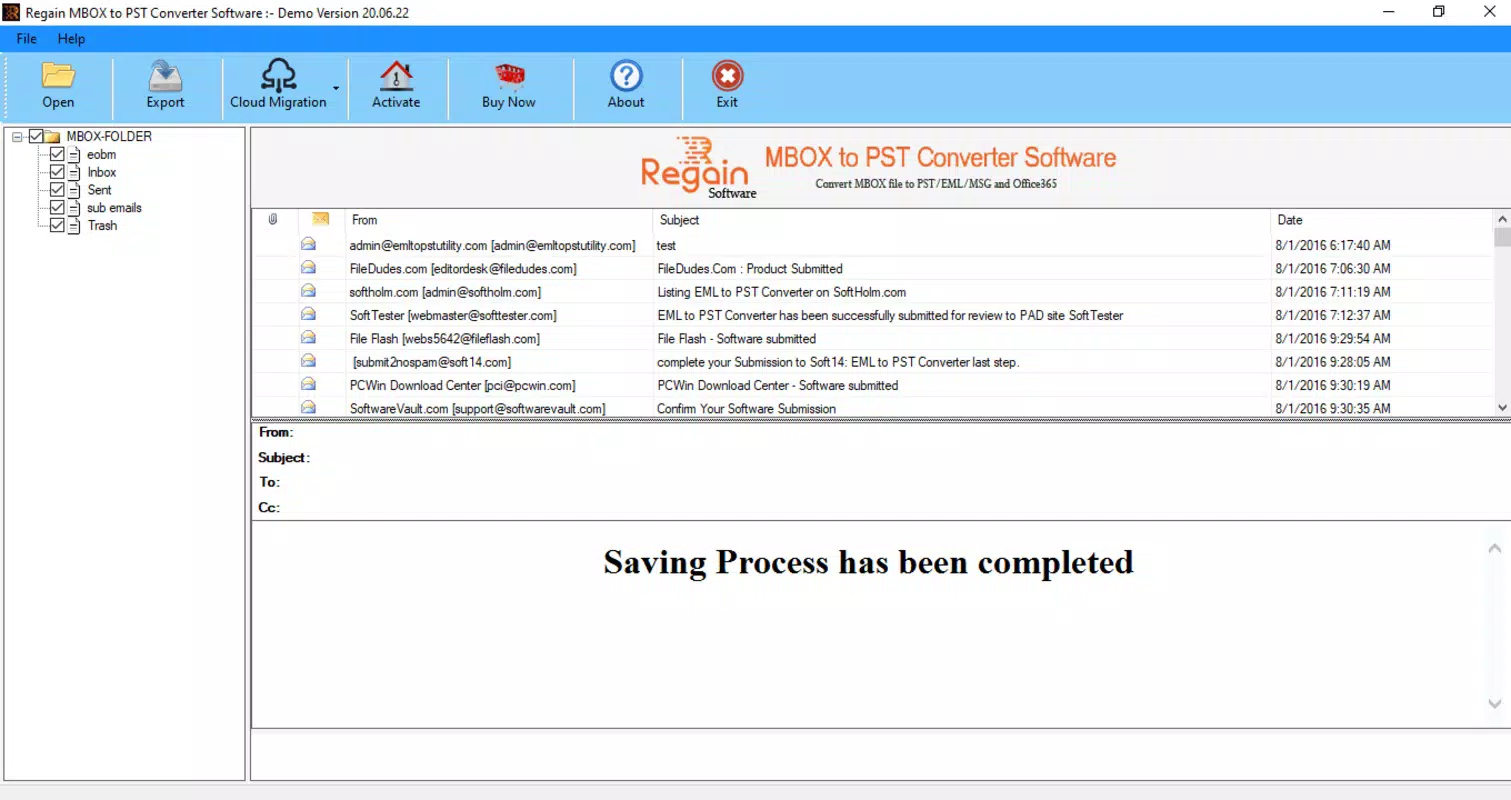
- Preview Before Conversion: Offers a built-in preview function to view emails and attachments before initiating the conversion process.
- Support for Multiple MBOX Sources: Compatible with MBOX files generated by Thunderbird, Apple Mail, Eudora, and other email clients.
- Secure Data Handling: Ensures no data loss or corruption during conversion, with no temporary file exposure or third-party access.
For example, a user migrating from Thunderbird to Outlook can use the tool to convert their entire mailbox in one session, retaining all subfolders and attachments. A business IT team managing employee email transitions can process hundreds of MBOX files efficiently using batch conversion. The preview feature allows users to verify content accuracy before finalizing the migration, minimizing the risk of errors. The ability to handle diverse MBOX sources ensures broad applicability across different user environments. These features collectively enhance productivity and reduce downtime during email system transitions.
Interface, UX & Performance
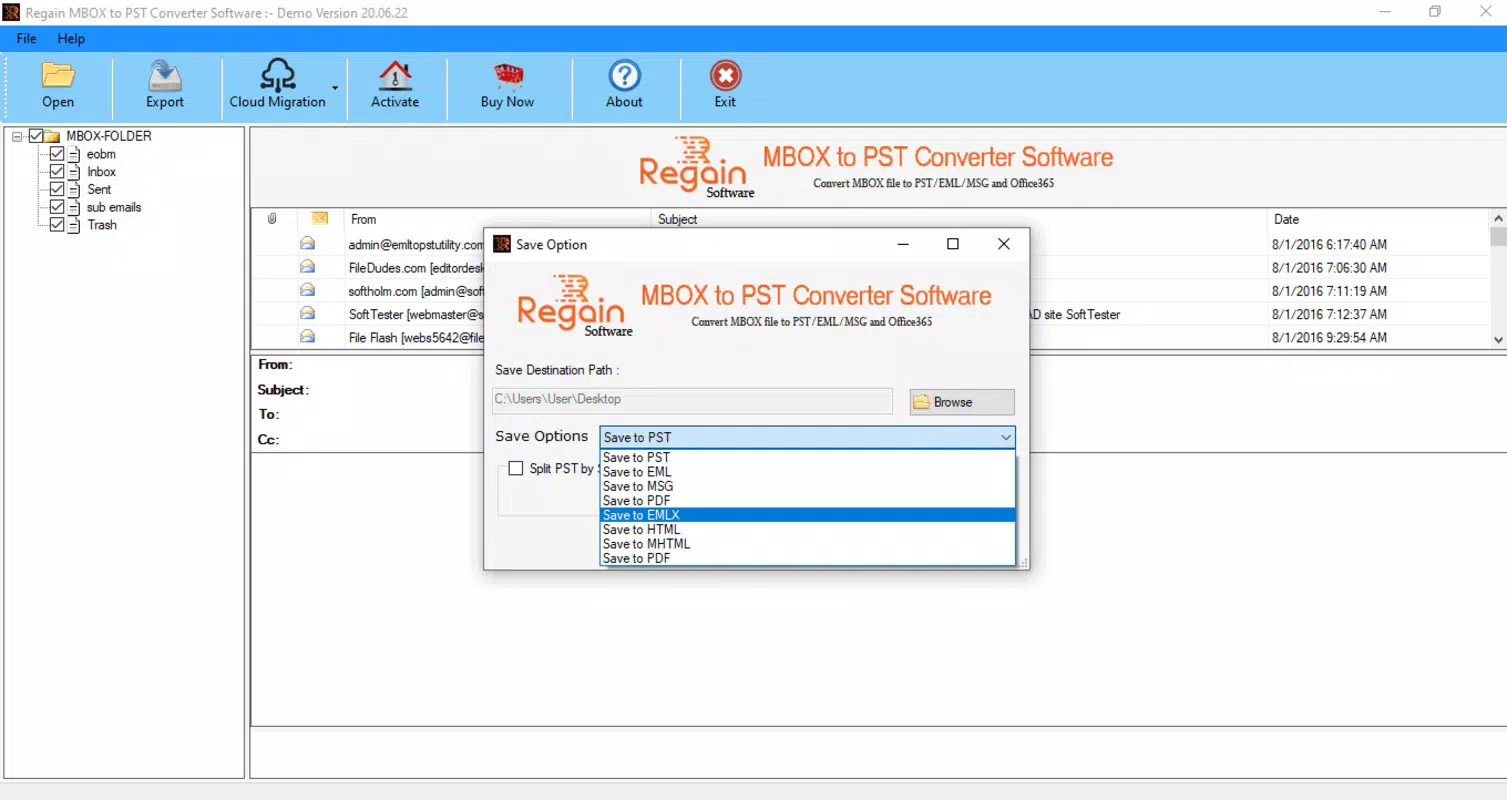
The Regain MBOX to PST Converter features a clean, straightforward interface designed for both technical and non-technical users. The layout is organized around core functions: file selection, conversion settings, preview, and output destination. Navigation is linear and intuitive, guiding users through each step of the conversion process without unnecessary complexity. Visual cues and clear labeling help users identify key actions, such as adding MBOX files or selecting the output PST location.
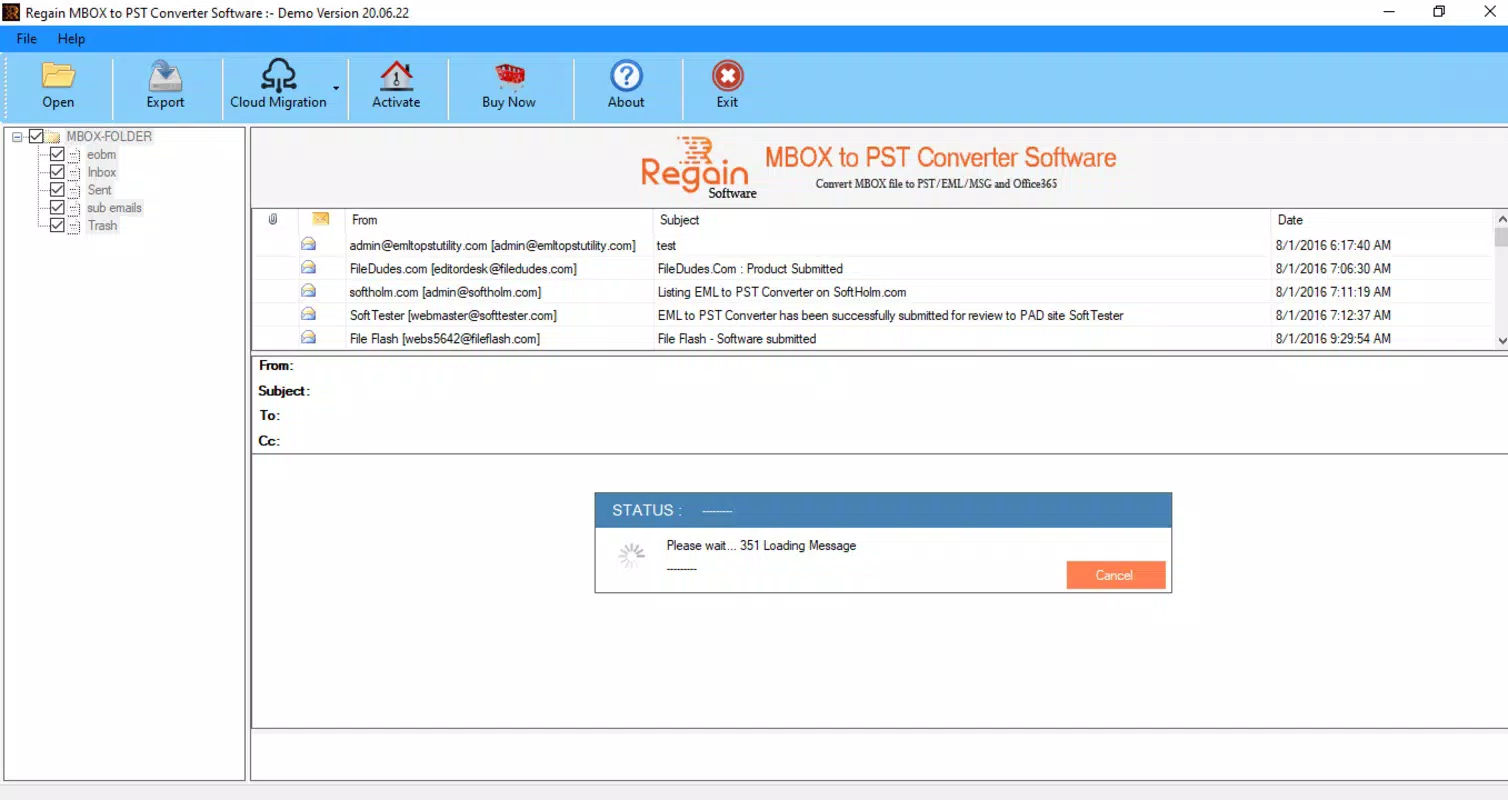
Although the developer did not list formal performance metrics, the application is expected to operate efficiently on modern Windows systems. It is designed to handle large MBOX files without crashing or freezing, ensuring stability during extended conversion tasks. Responsiveness is maintained even when processing multiple files or large archives, suggesting optimized memory and disk usage. The tool runs in the background with minimal system resource consumption, allowing users to continue working on other tasks.
Users can expect consistent performance across various device categories, including desktops and laptops running Windows. The application does not require high-end hardware, making it accessible for average business and personal use. While no specific testing data is available, the stable operation and structured workflow indicate a focus on reliability and user experience. Overall, the interface and performance align with professional standards for data conversion utilities.
Platform Compatibility & Technical Requirements
Regain MBOX to PST Converter is designed exclusively for the Windows operating system. It is compatible with modern Windows versions, though specific requirements were not listed. The application has a file size of 10.5 MB, indicating a lightweight installation that does not consume significant disk space. The software version is 2.0, suggesting an updated release with potential improvements over earlier iterations.
Although the developer did not specify minimum OS requirements, the tool is likely optimized for Windows 10 and Windows 11. It may also support older versions such as Windows 8.1, but this is not confirmed. The absence of detailed system specifications means users should verify compatibility with their specific setup before installation. The application does not require additional software dependencies, making it self-contained and easy to deploy.
Pros and Cons
Pros
- Accurate and reliable conversion from MBOX to PST format
- Supports batch processing for efficient large-scale migrations
- Preserves folder structure, metadata, and attachments
- Includes a preview function for data verification
- Lightweight installation at 10.5 MB
- Designed for both individual and professional use
Cons
- Available only for Windows, limiting cross-platform use
- Price point of $49.95 may be high for casual users
- No information on trial version availability
- Compatibility with older Windows systems is not confirmed
- No cloud integration or remote conversion features
FAQ
Is Regain MBOX to PST Converter safe to use?
Yes, the tool is designed to convert files securely without altering original data. It does not require internet access and processes files locally, minimizing security risks.
Can I convert multiple MBOX files at once?
Yes, the software supports batch conversion, allowing users to process several MBOX files simultaneously to save time during large migrations.
Does the converter preserve email attachments?
Yes, all attachments are retained during the conversion process and are fully accessible in the resulting PST file.
Is there a free trial available?
The developer did not provide information on a trial version. Users should verify availability directly from the official source.
What should I do if the conversion fails?
If an error occurs, ensure the MBOX file is not corrupted and that the software is compatible with your Windows version. Reinstalling or contacting support may resolve the issue.
Final Thoughts
Regain MBOX to PST Converter stands out as a dependable tool for users needing to migrate email data from MBOX to PST format. Its focus on accuracy, data integrity, and ease of use makes it a valuable asset for both individuals and organizations. The ability to process multiple files, preserve structure, and preview content before conversion enhances its practicality. While the price and platform restriction may limit accessibility for some, the tool delivers strong value for those in need of a reliable migration solution.
For professionals managing email transitions or archiving legacy data, this software offers a streamlined, secure path to compatibility with Microsoft Outlook. Its lightweight design and efficient performance further support its adoption in both personal and enterprise environments.
Download Regain MBOX to PST Converter now


